Agent Policies
Control where and how Method AI Agents run using Policies.
Overview
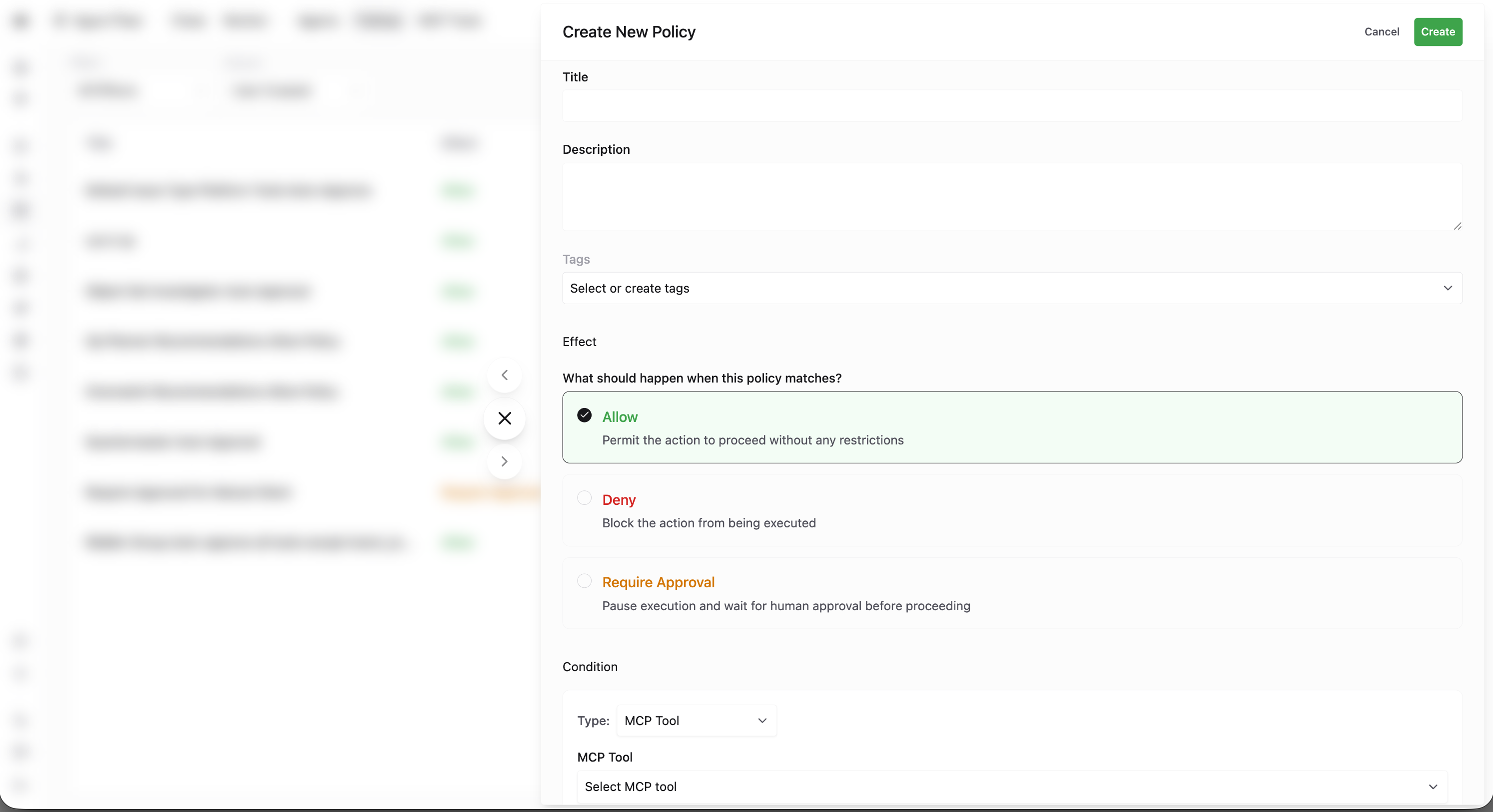
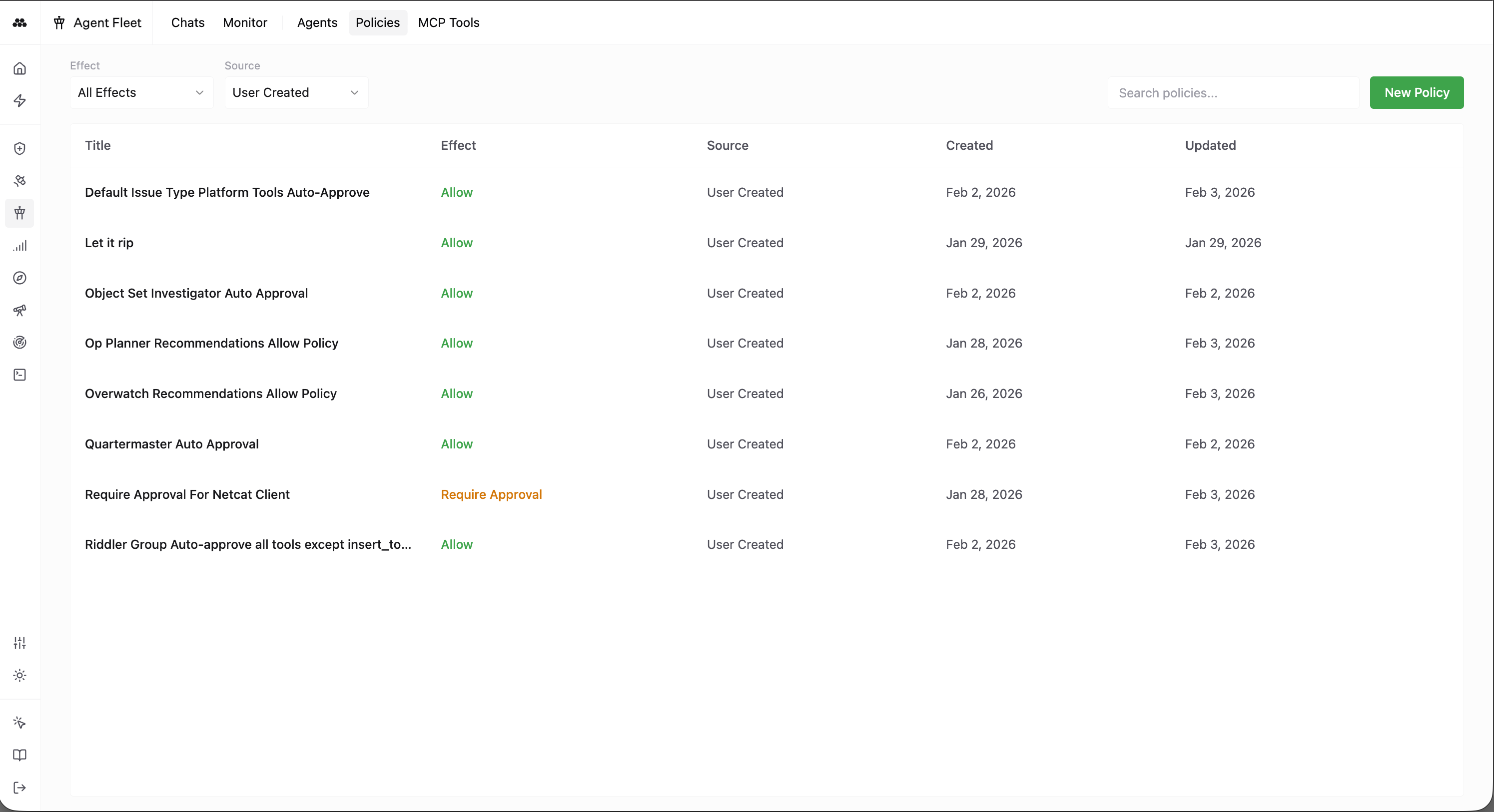
Policies let you govern AI agent behavior in a granular way. You write policies that apply to specific Agents, Environments, MCP Tools, or Agent Sessions. Each policy has an effect: approve, deny, or require approval. Together, these rules determine whether an agent can take an action automatically, is blocked, or must wait for human approval before proceeding.
Policies work alongside AI Agents: an Agent defines what the agent is (name, description, system prompt, model, and which MCP Tools it can use). Policies define where and under what conditions those actions are allowed.
Policy scope
Policies can be scoped to one or more of the following:
- Agent – A specific Agent (by name or identity). Use this to allow or restrict particular agents.
- Environment – A specific Environment. Use this to restrict or allow agent actions in certain environments (e.g. production vs. development).
- MCP Tool – A specific tool the agent can call. Use this to allow, deny, or require approval for individual tools.
- Agent Session – A single instance of a chat or run with an agent. Use this to apply rules to a particular session rather than to all sessions for an agent.
By combining these scopes, you can express rules such as “this agent may use this tool in this environment only with approval” or “this agent is denied in production.”
Policy effects
Each policy has one of three effects:
- Approve – The action is allowed. The agent may proceed without further checks for that scope.
- Deny – The action is blocked. The agent may not proceed for that scope.
- Require approval – The action is not allowed until a user approves it. The agent must wait for approval before proceeding for that scope.
When multiple policies apply, deny overrides approve, and require-approval can be used to gate sensitive actions. Configure policies so that the combination of scope and effect matches your security and operational requirements.
Using Policies with Agents
Create and manage Agents in the Agent Fleet application; define their name, description, system prompt, model, and MCP Tools. Then define Policies that reference those agents, environments, tools, or sessions and set the appropriate effect (approve, deny, or require approval). Together, Agents and Policies give you controlled, auditable use of AI across your Method platform.