

Findings
How security risks are represented, investigated, and managed in Method Platform.
What is a Finding?
Method’s Ontology is a strongly typed data model that adds a semantic layer to data assets and their relations, making data legible to both users and AI. Security risks in the Ontology are represented as Findings.
Findings are defined by a series of logical steps that take object discoveries and interrogate specific properties to determine if there are exposures, misconfigurations, vulnerabilities, or other risks.
Method tracks dozens of potential security risks using Method-defined Finding definitions as well as third-party integrations (e.g. Tenable).
Finding details
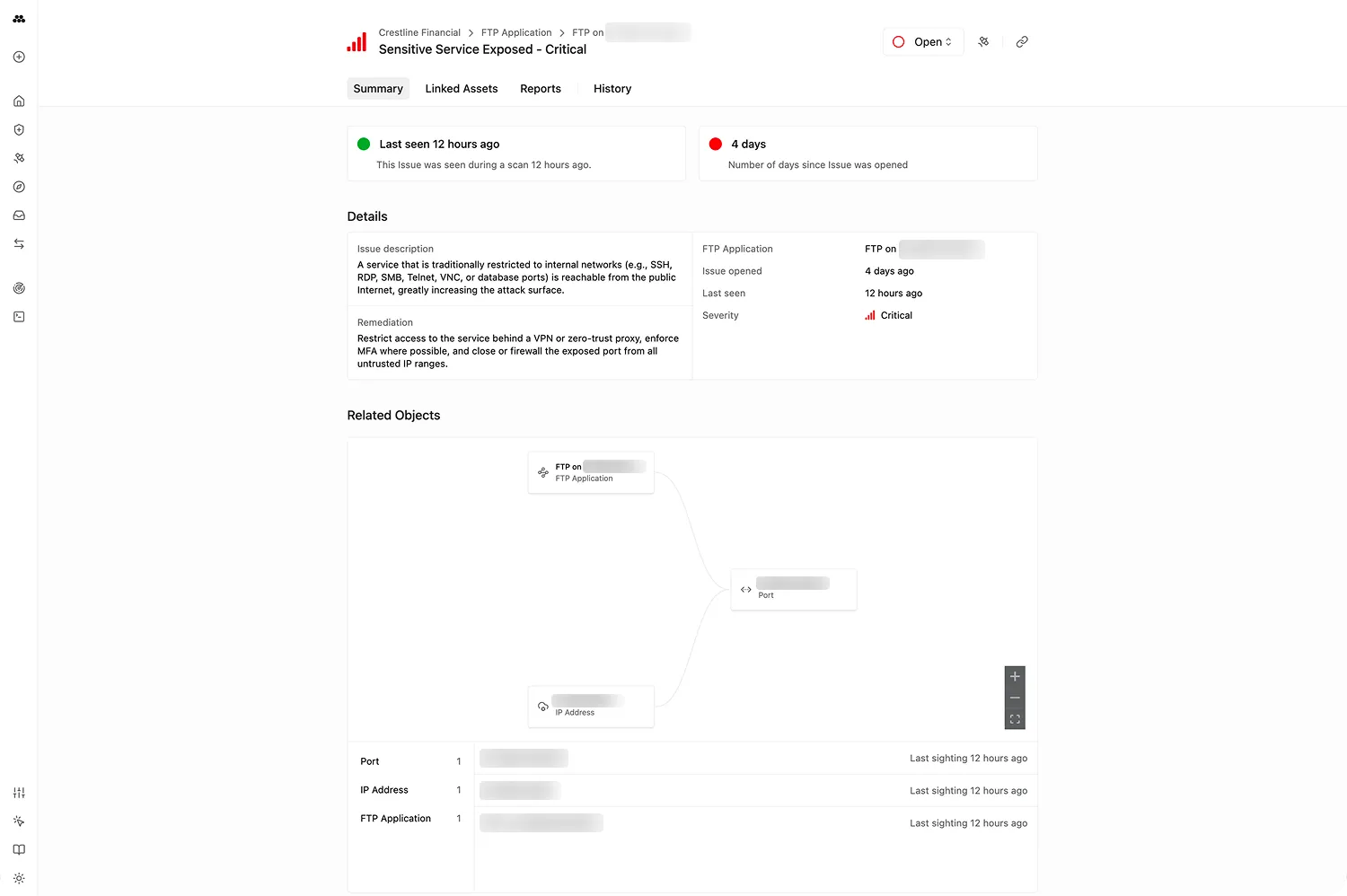
Every Finding includes:
- Severity: Critical, High, Medium, Low, or Informational
- Description: What the finding is and why it matters
- Linked assets: The Objects affected, with a graph showing relationships between impacted assets
- Remediation guidance: Steps to resolve the finding
- History: When the Finding was first seen, last seen, and every observation in between
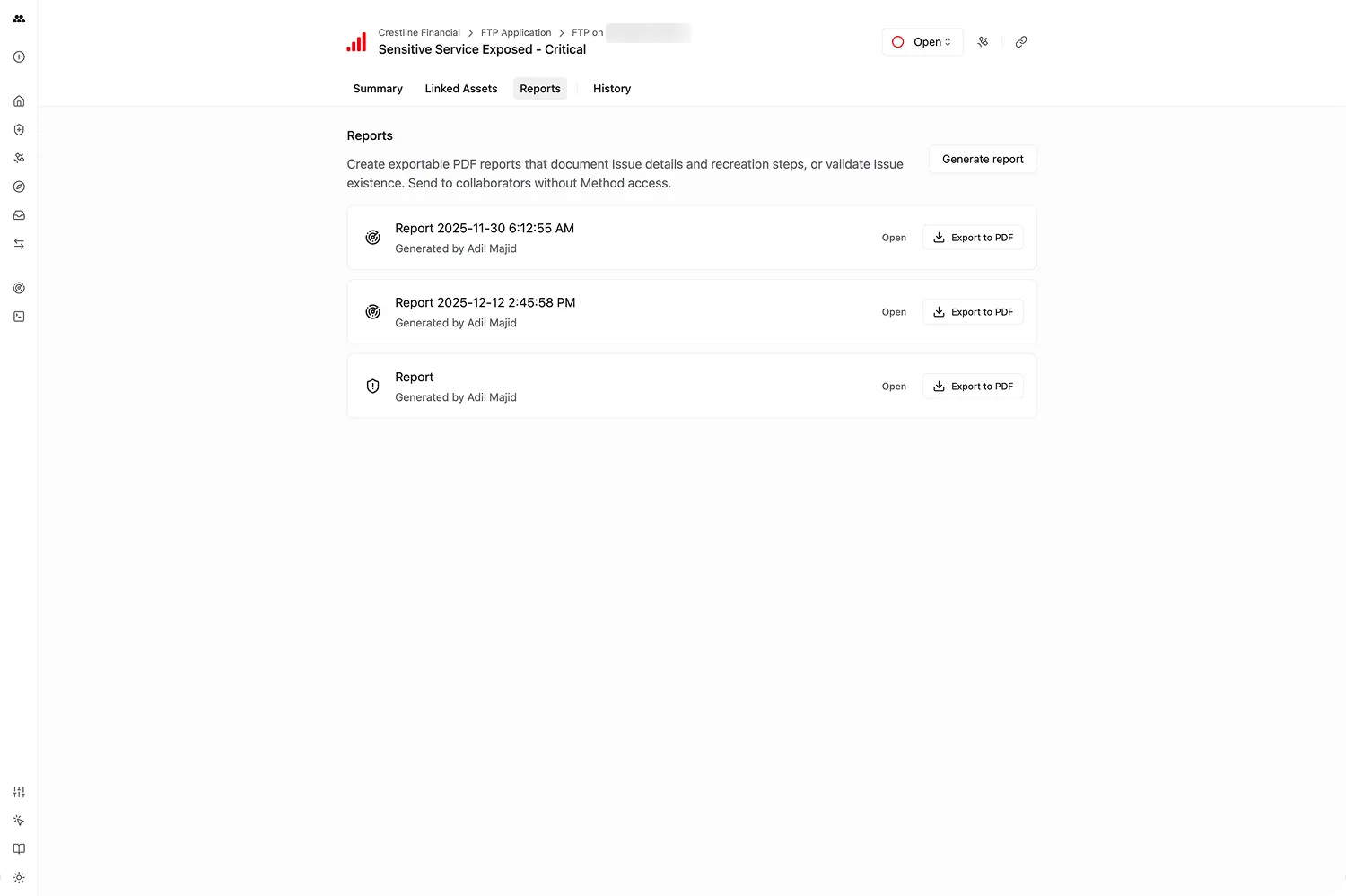
- Reports: Auto-generated reports that can be exported to PDF
Finding status
Findings follow a lifecycle:
- Open: Default state when a Finding is discovered
- Assigned: Under investigation or triage
- Closed: Resolved. When closing, you can mark it as Resolved, False Positive, or Accepted Risk
Daily rescanning
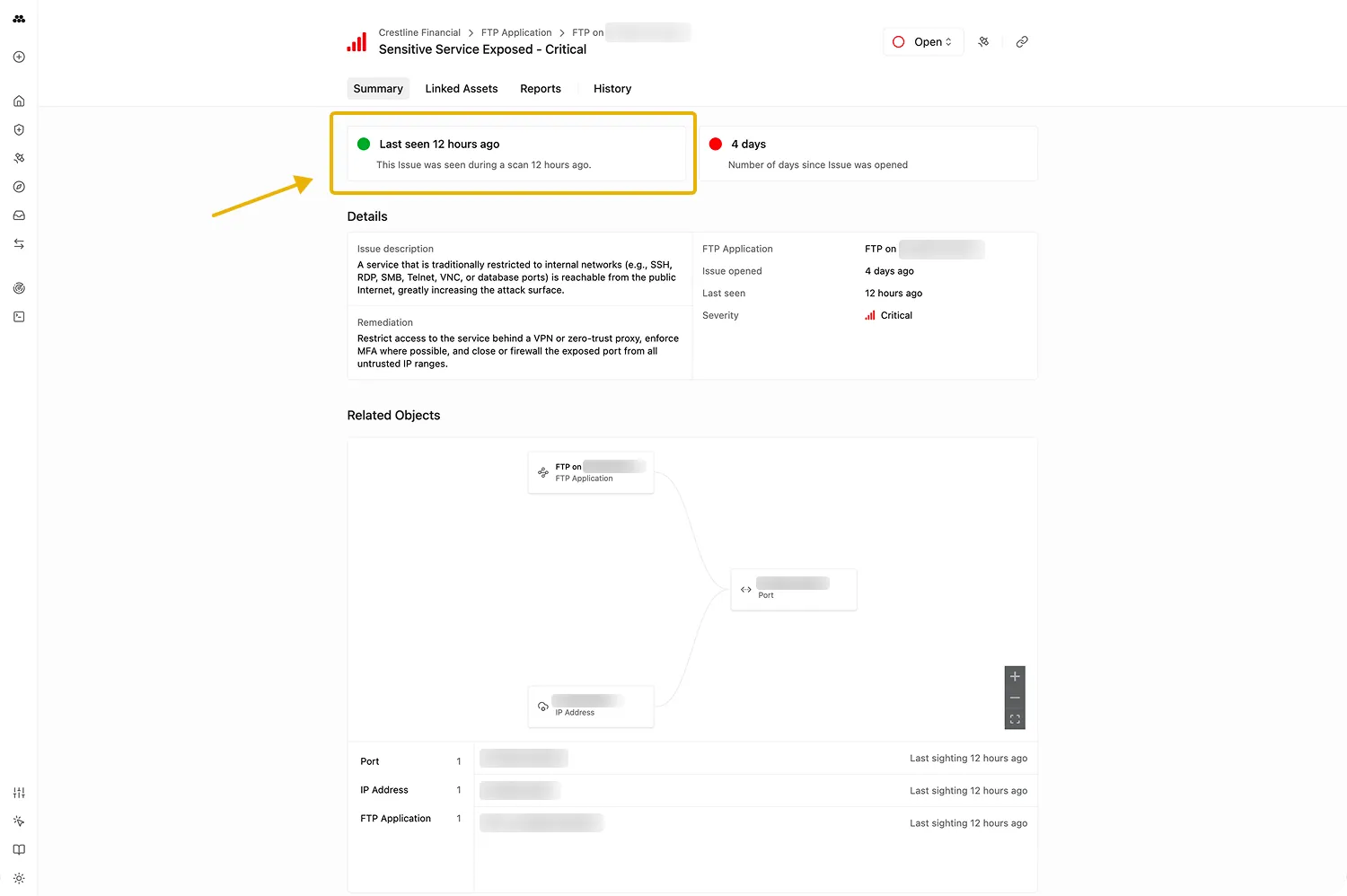
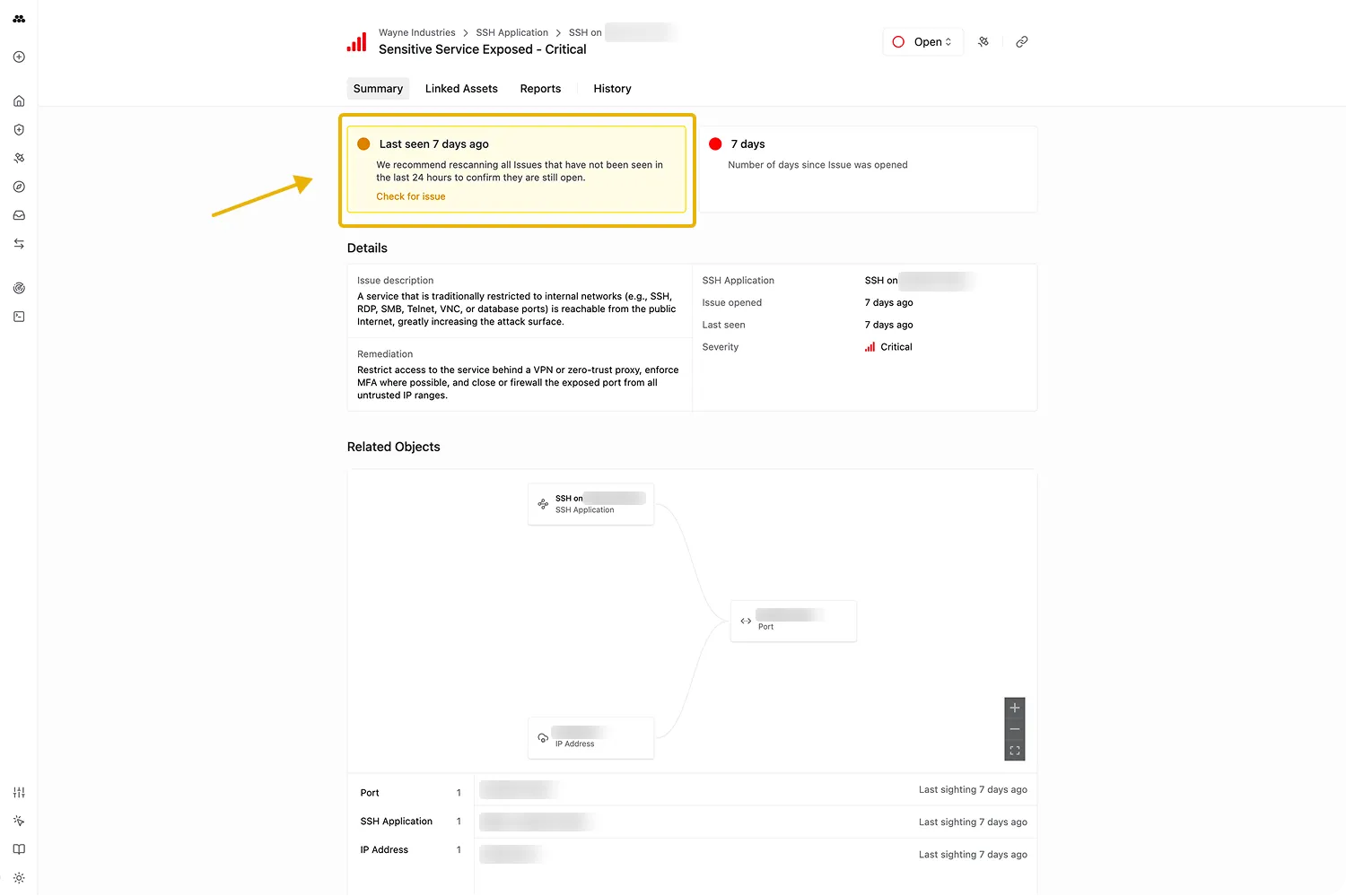
Method is configured to scan your environments either hourly, daily, or weekly. Open Findings are re-observed each day they remain active. The Finding detail view reflects this with a green dot (seen in the last day) or a yellow warning (not seen in the last day).
Findings can also be manually rescanned on demand; results typically return within seconds to a couple of minutes.
Report generation
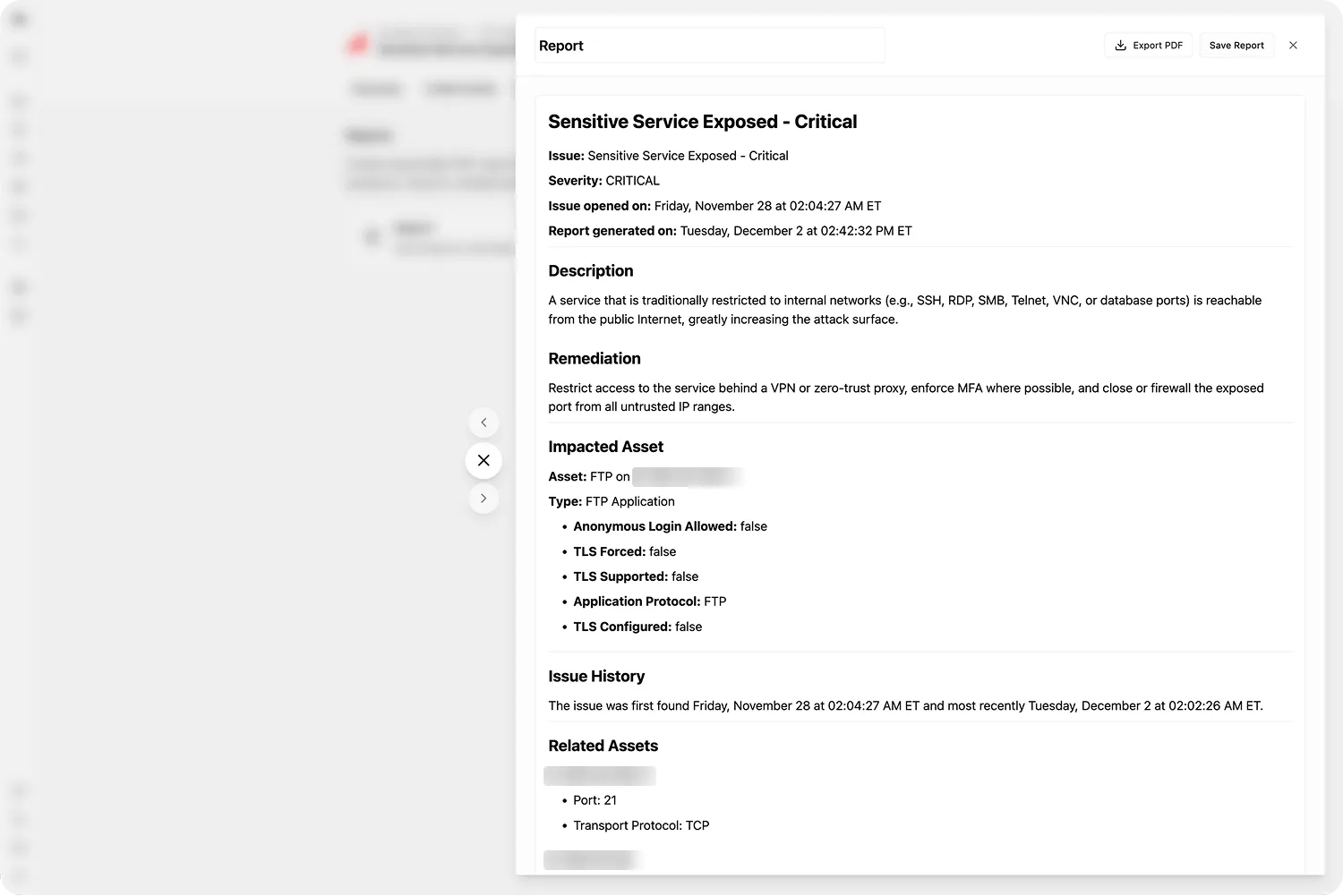
Every Finding supports one-click Report generation. Method compiles all Finding details — severity, description, linked assets, remediation guidance — and runs a quick scan to fetch the raw signal underlying the impacted asset. Reports can be exported to PDF.
Investigation in Operator
Findings can be sent directly to Operator for live investigation. Method sets up the Operation with the Finding context and underlying assets, landing you in Operator with AI suggestions to help investigate.
The Findings application
The Findings application is where you explore, filter, and triage Findings across all environments.
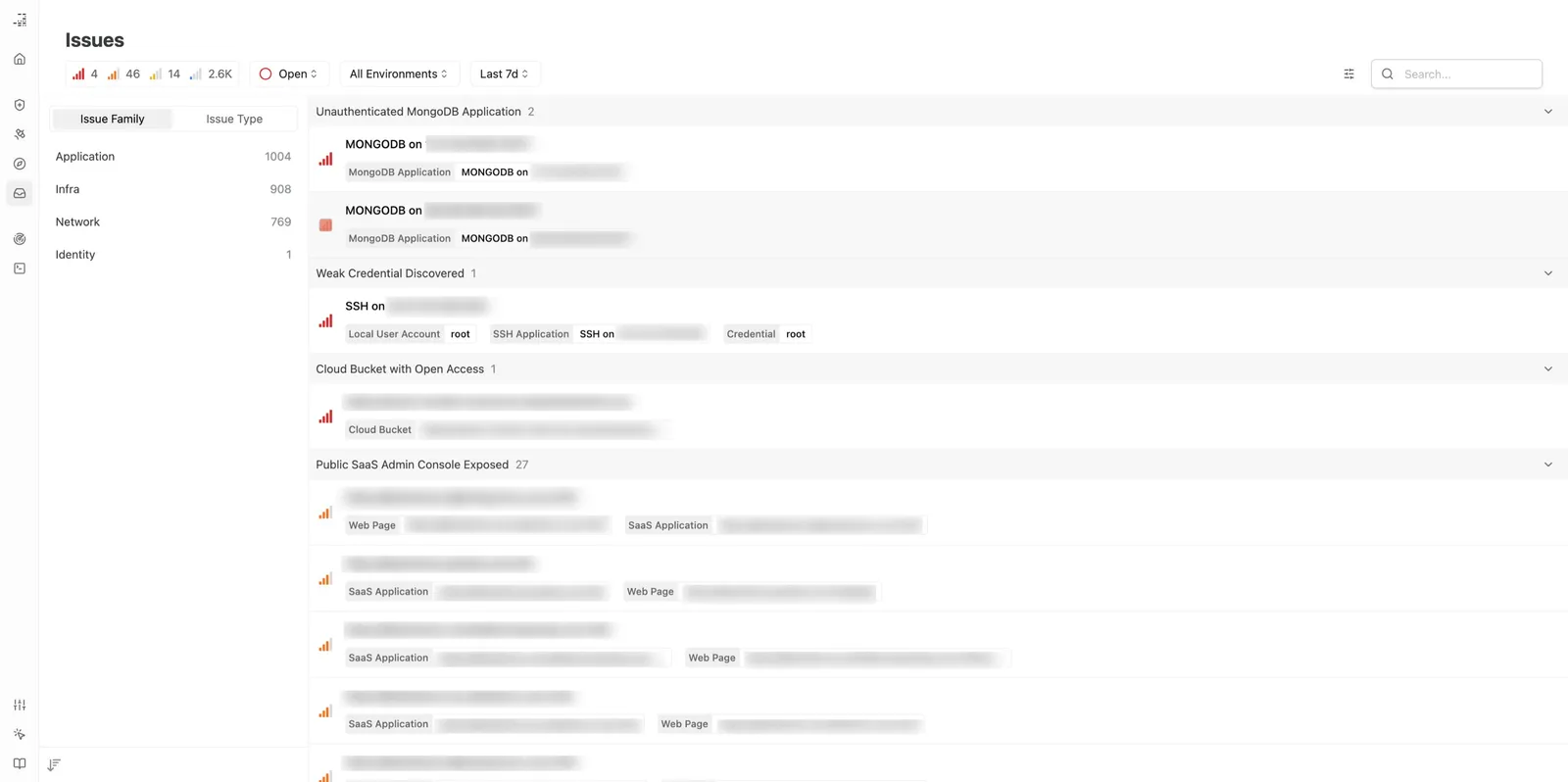
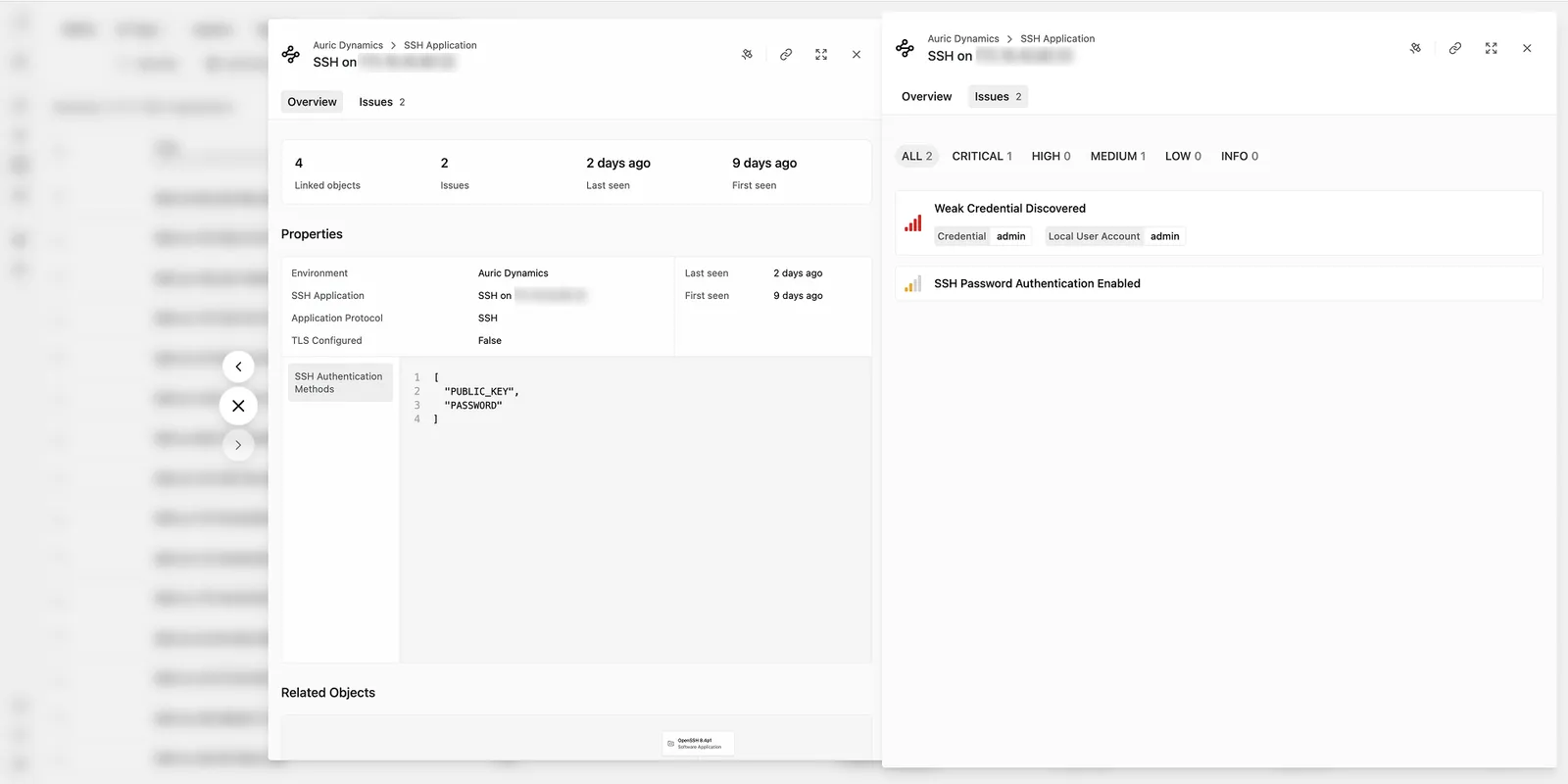
Filter Findings by family, type, severity, environment, or tag. Each Finding has a dedicated detail view with description, linked assets, graph visualization, reports, and history.
Overriding default Finding type severities
Finding severity can be overridden globally for a specific Finding type or at the Environment level. Overrides apply upon the next discovery of existing Findings or when new Findings are discovered.
For a walkthrough on filtering and closing Findings, see Filter and close Findings. For configuring severity overrides, see Configure Finding severity overrides.