Install and configure a Jackal
The following guide will show you how to install a Jackal on-prem and modify configurations.
Jackals are Method’s lightweight, deployable security agents that execute Tools on target systems. For details on Jackal architecture, see Jackal C2.
Install a Jackal
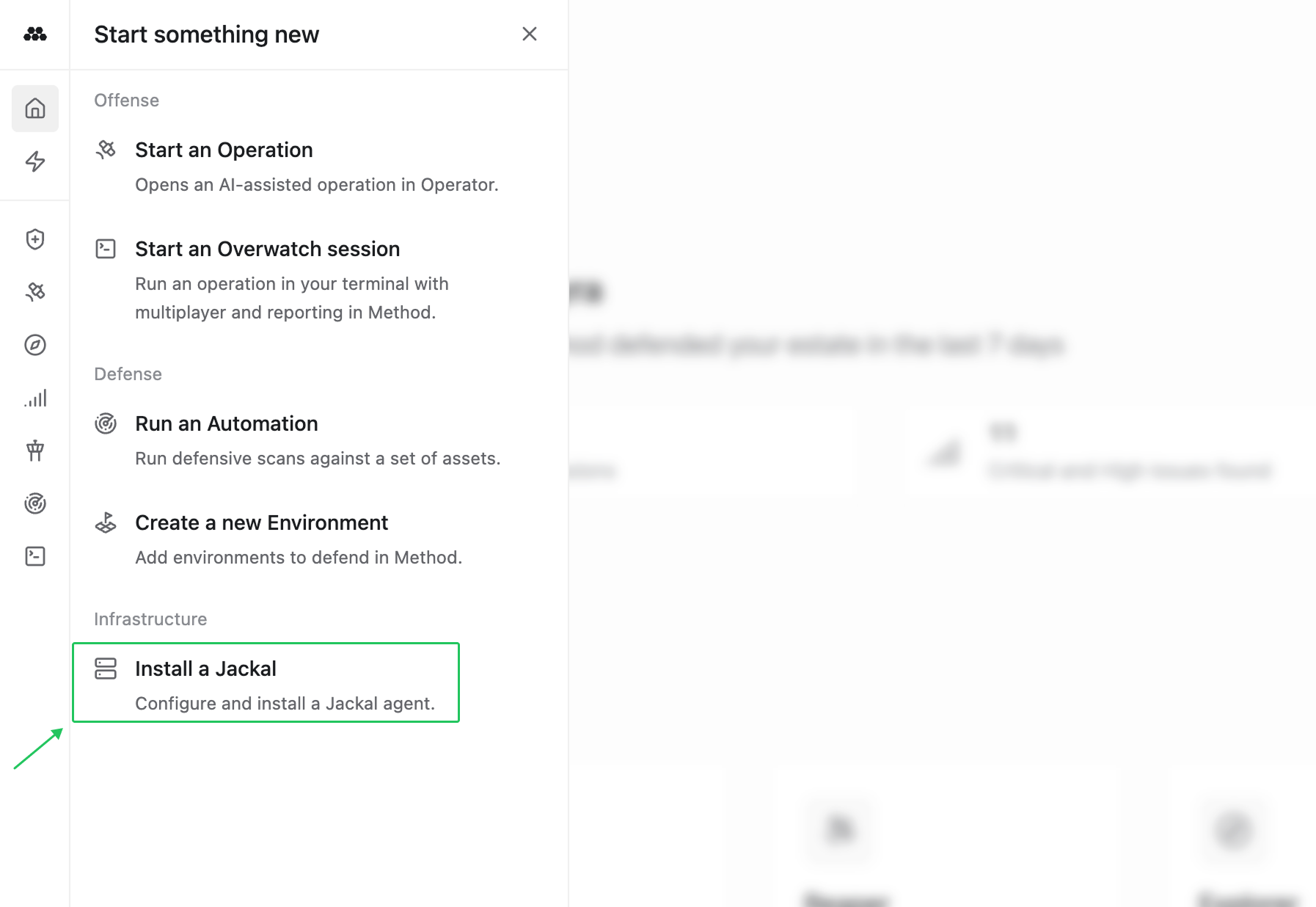
- Download the latest Jackal version by visiting the Method platform and navigating to
Install a Jackalin the left navigation.
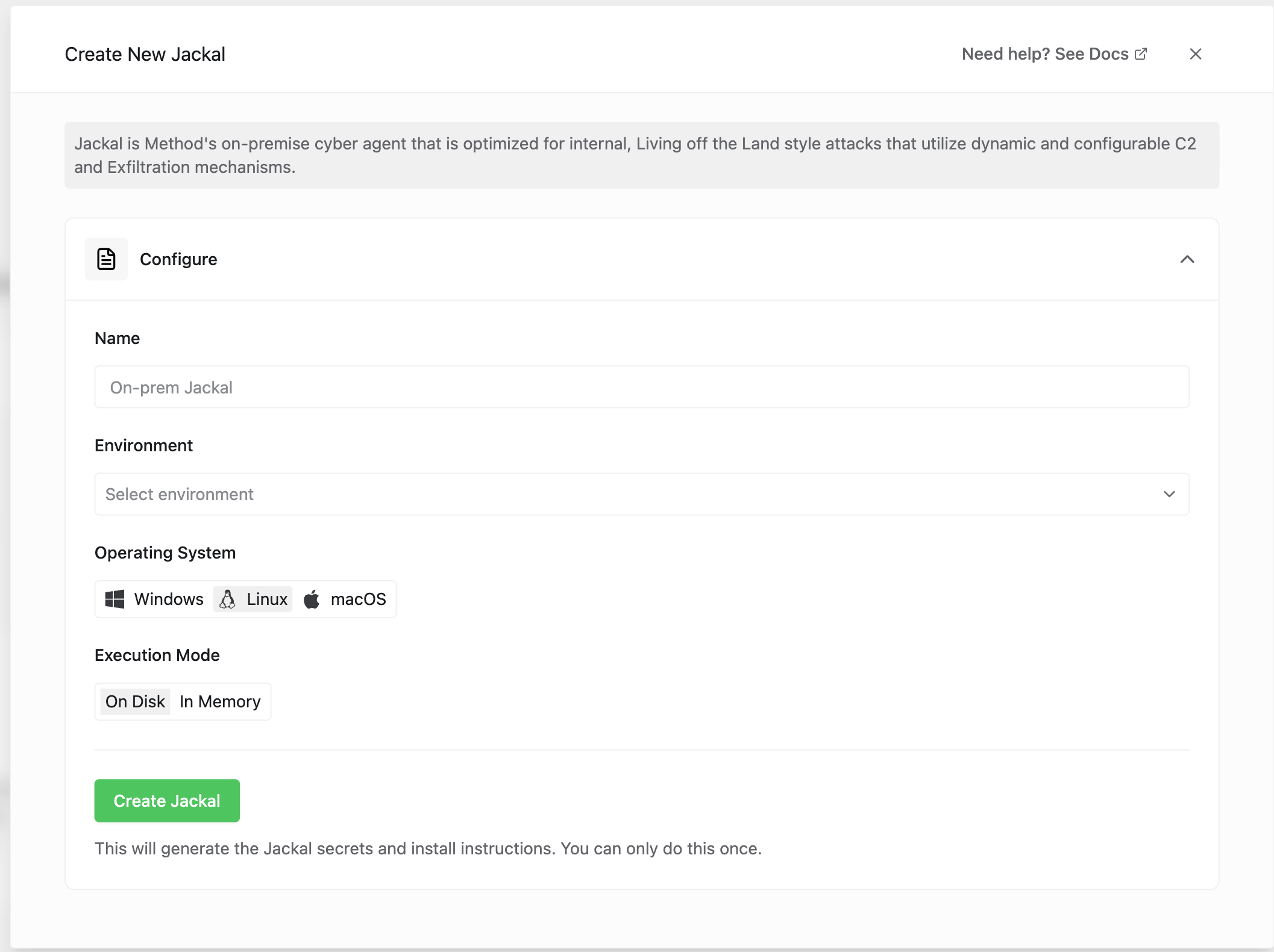
- Configure your Jackal by providing a name, selecting the Environment, Operating System, and Execution Mode. Then select
Create Jackal.
- You can install the Jackal via command or by downloading the Jackal binary to your target system.
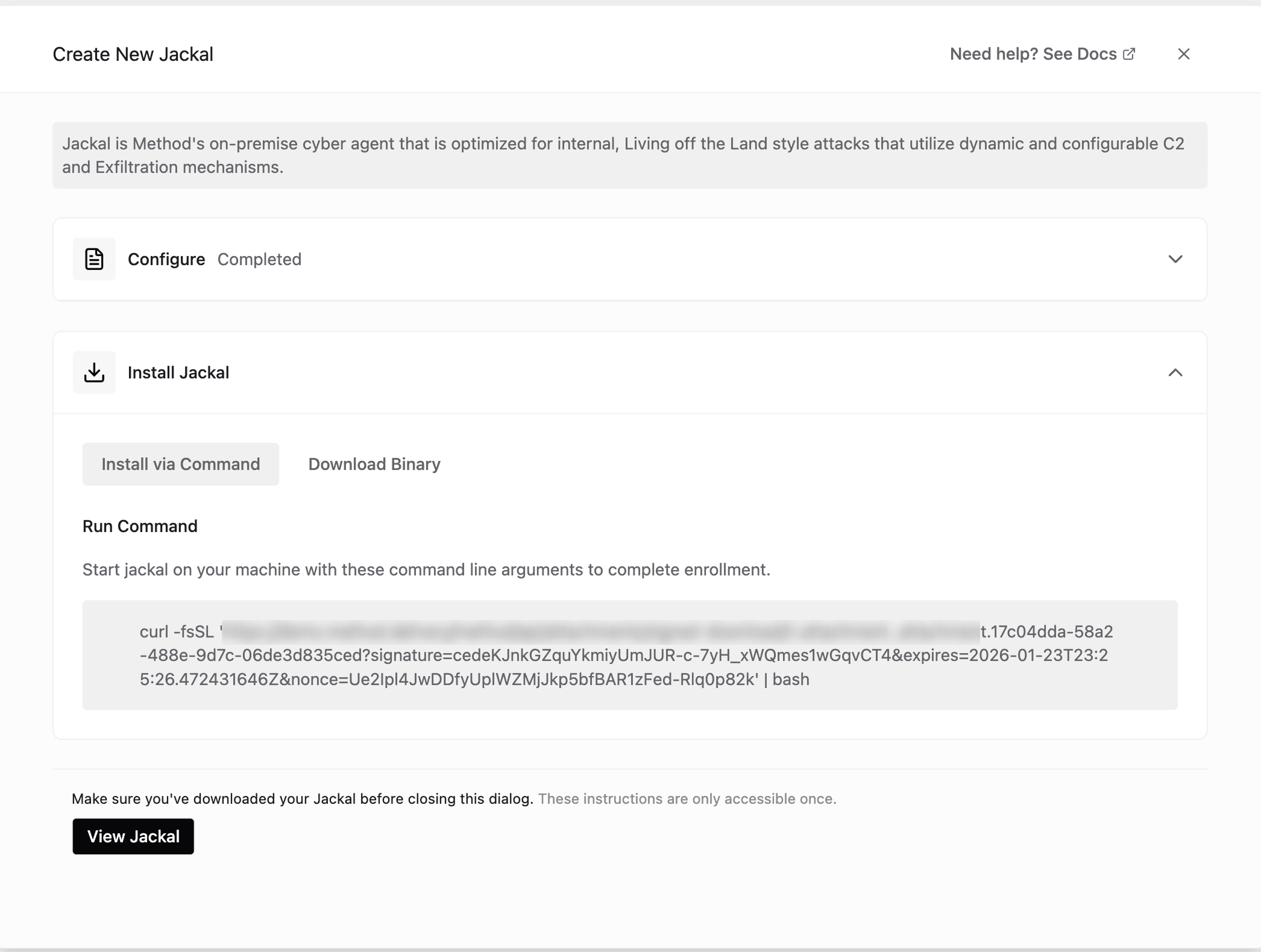
- Once deployed, click
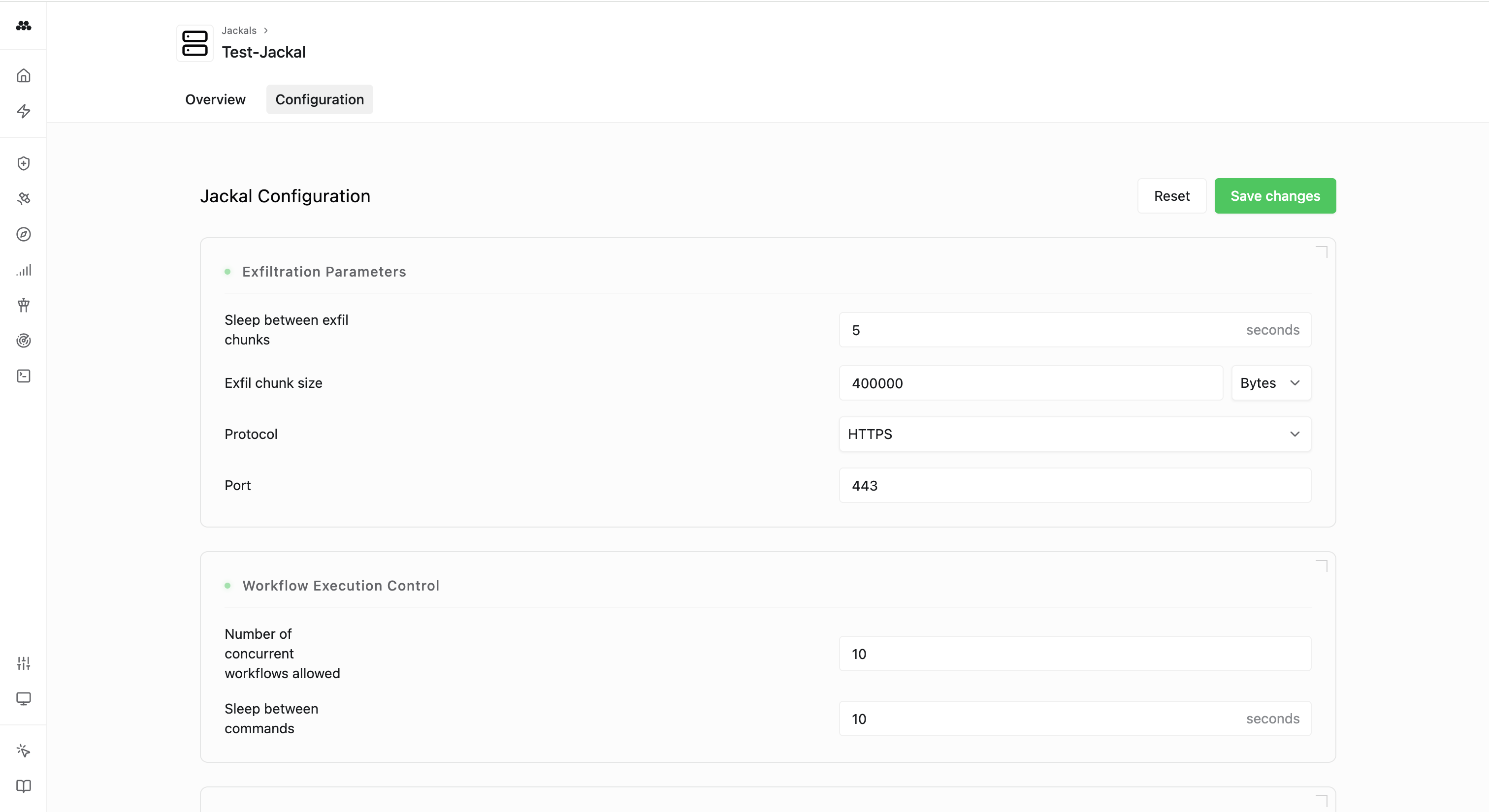
View Jackalto review and configure your Jackal against exfiltration, workflow execution control, and C2 parameters to modify levels of riskiness during an operation.
- Navigate to
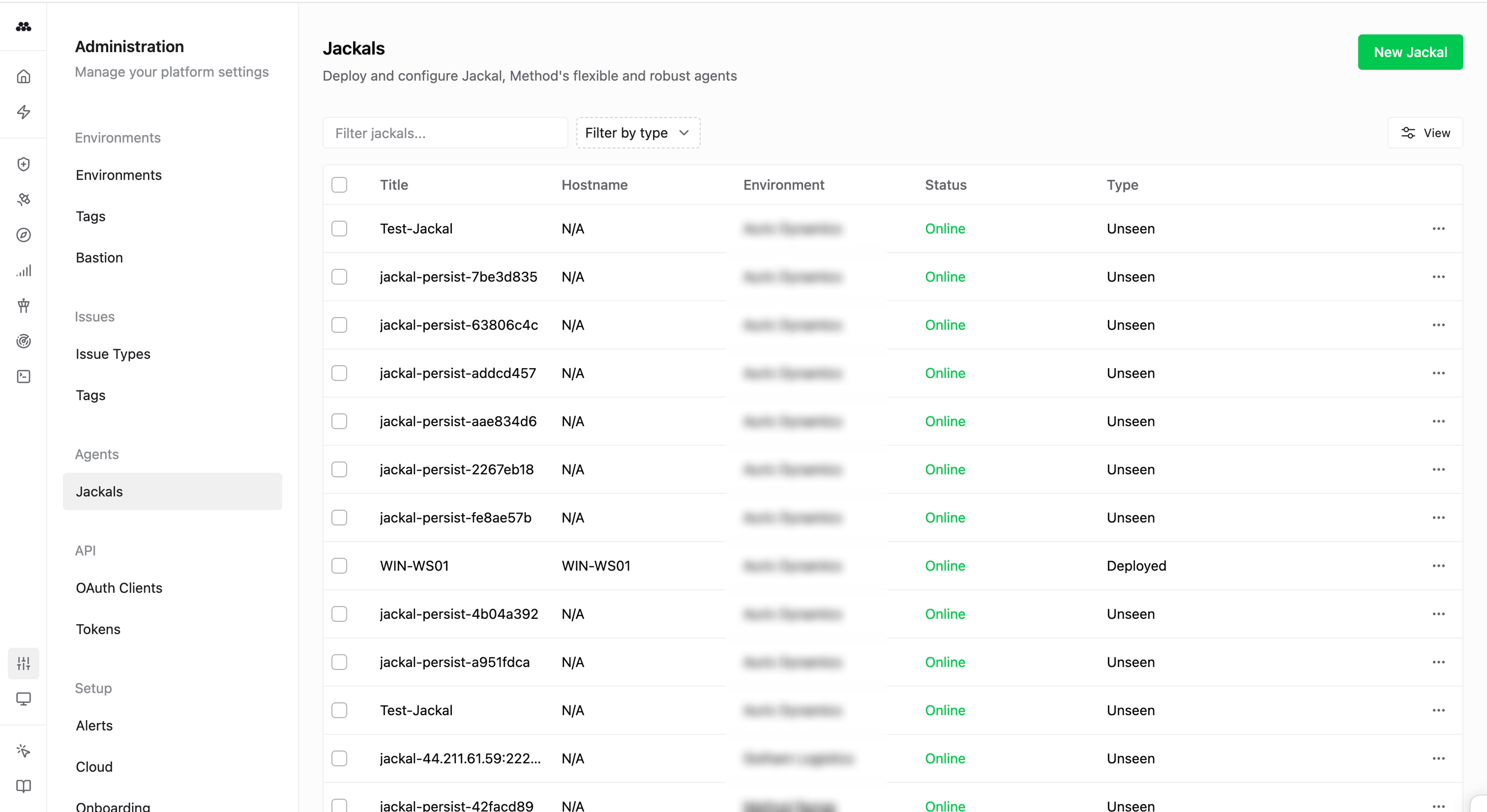
Admin>Jackalsto view a full list of your deployed Jackals.