Create an Adversary
This guide will help you create an Adversary in Reaper.
Adversaries are custom threat profiles used to emulate threat actors during an Operation. See Operations for more context on how Adversaries fit into the workflow.
Create an Adversary
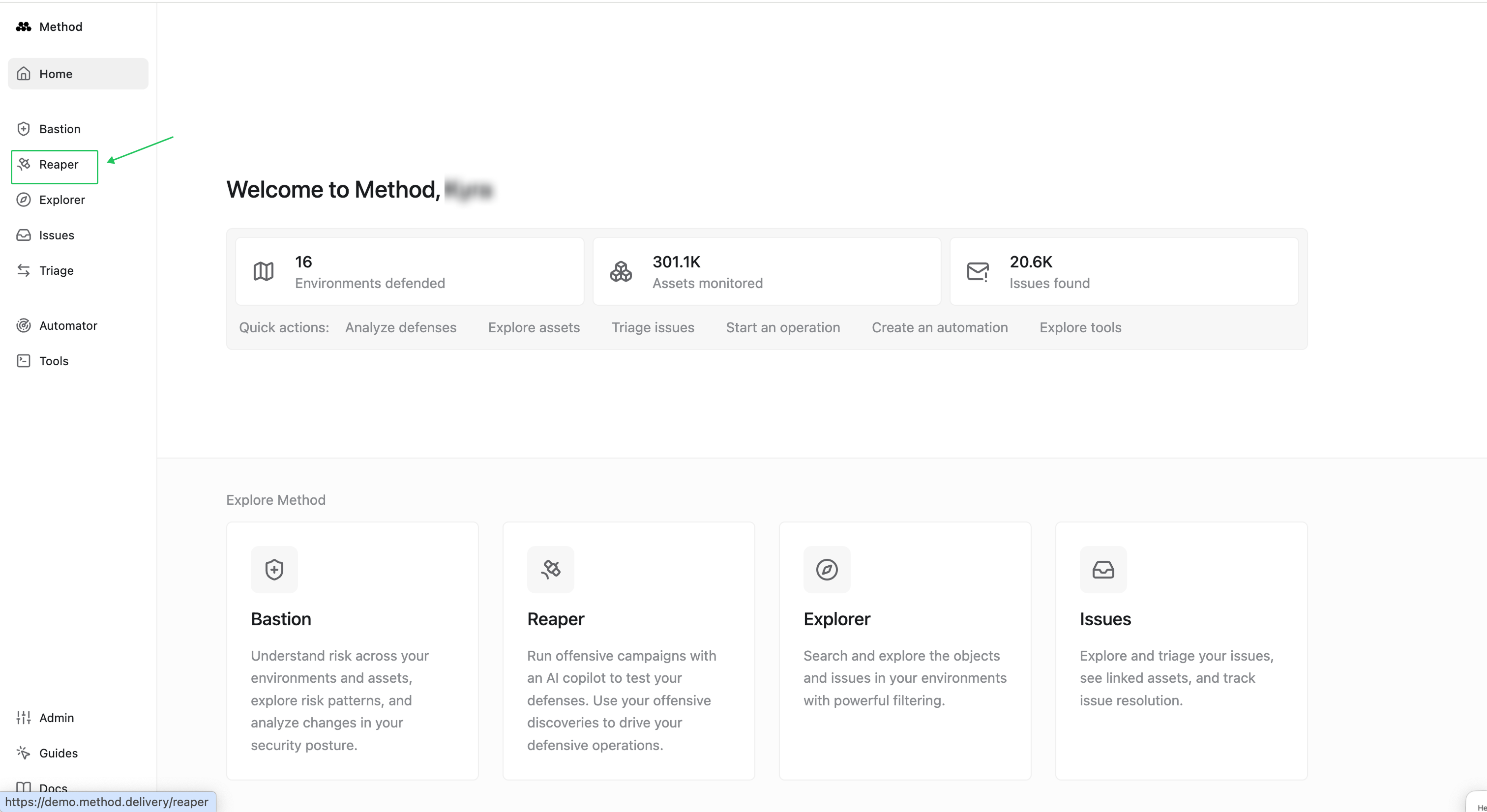
- From the Method homepage, navigate to Reaper.
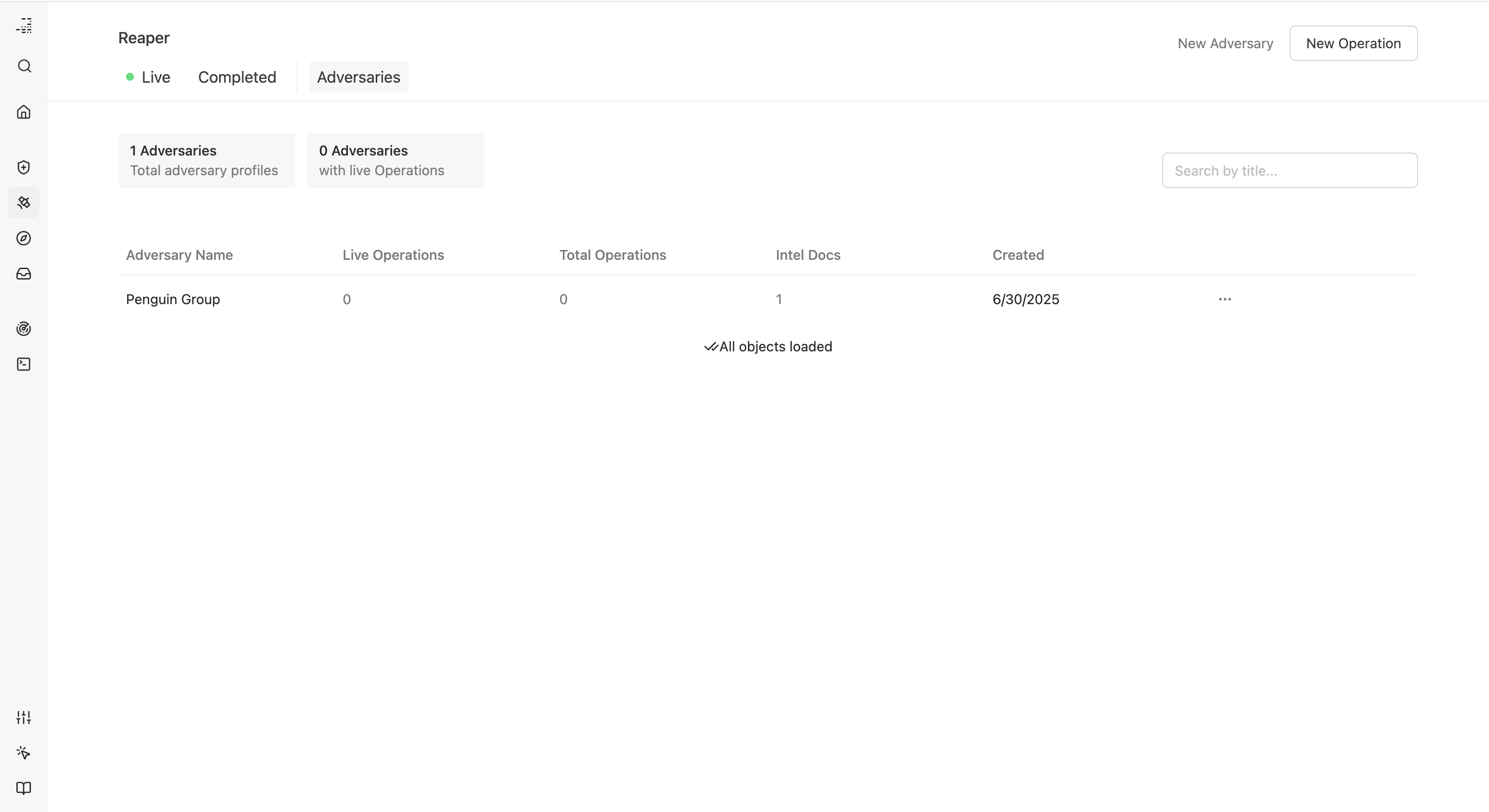
- Select New Adversary, upload an intelligence report, name the Adversary, and click Upload.
View an Adversary Profile
You can review more information about your Adversary profiles, including the number of live operations using an Adversary, total number of Adversaries, and related details on this page.
Using Adversaries in Operations
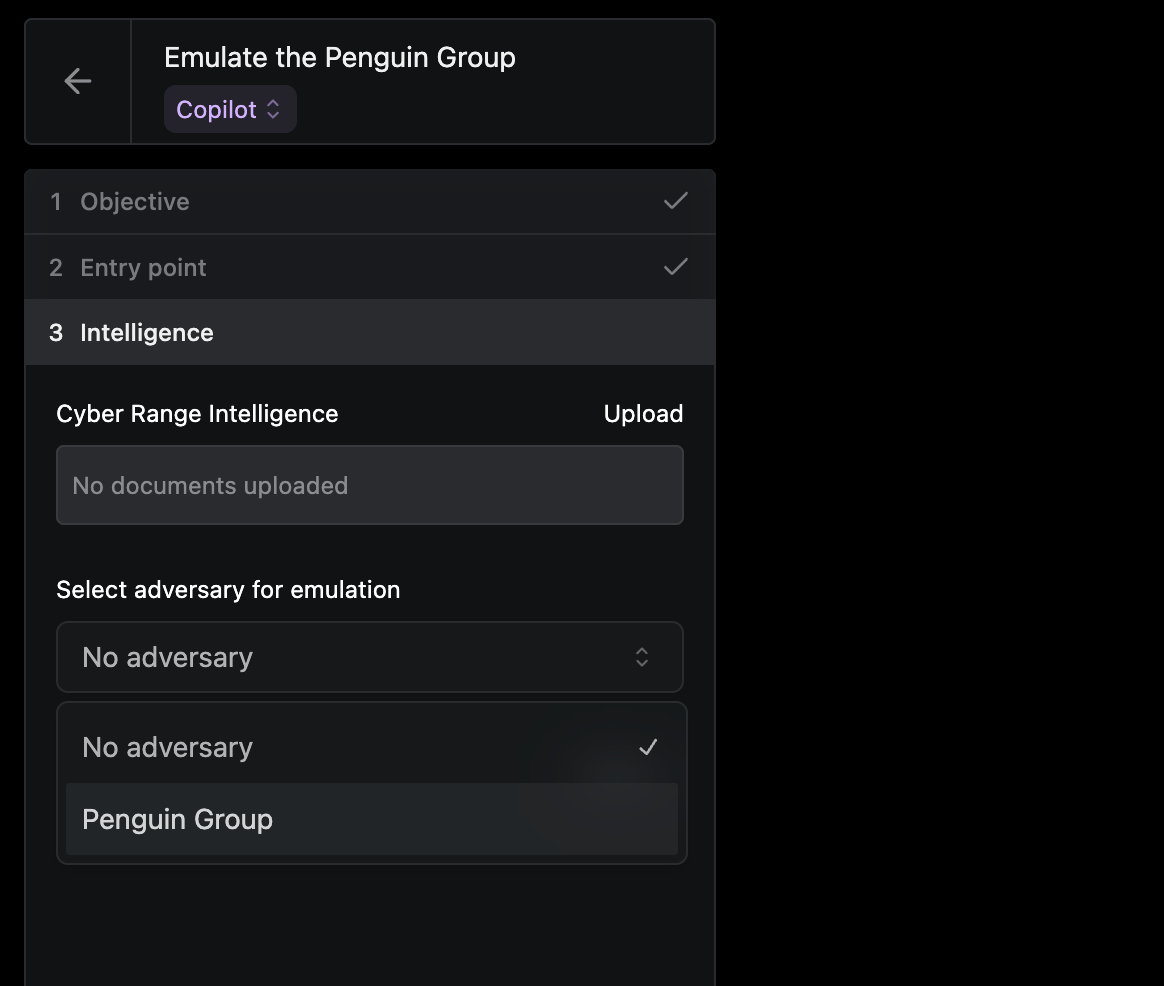
When you’re ready to begin an Operation, you’ll see the option to select an Adversary under the Intelligence section when configuring your workspace.
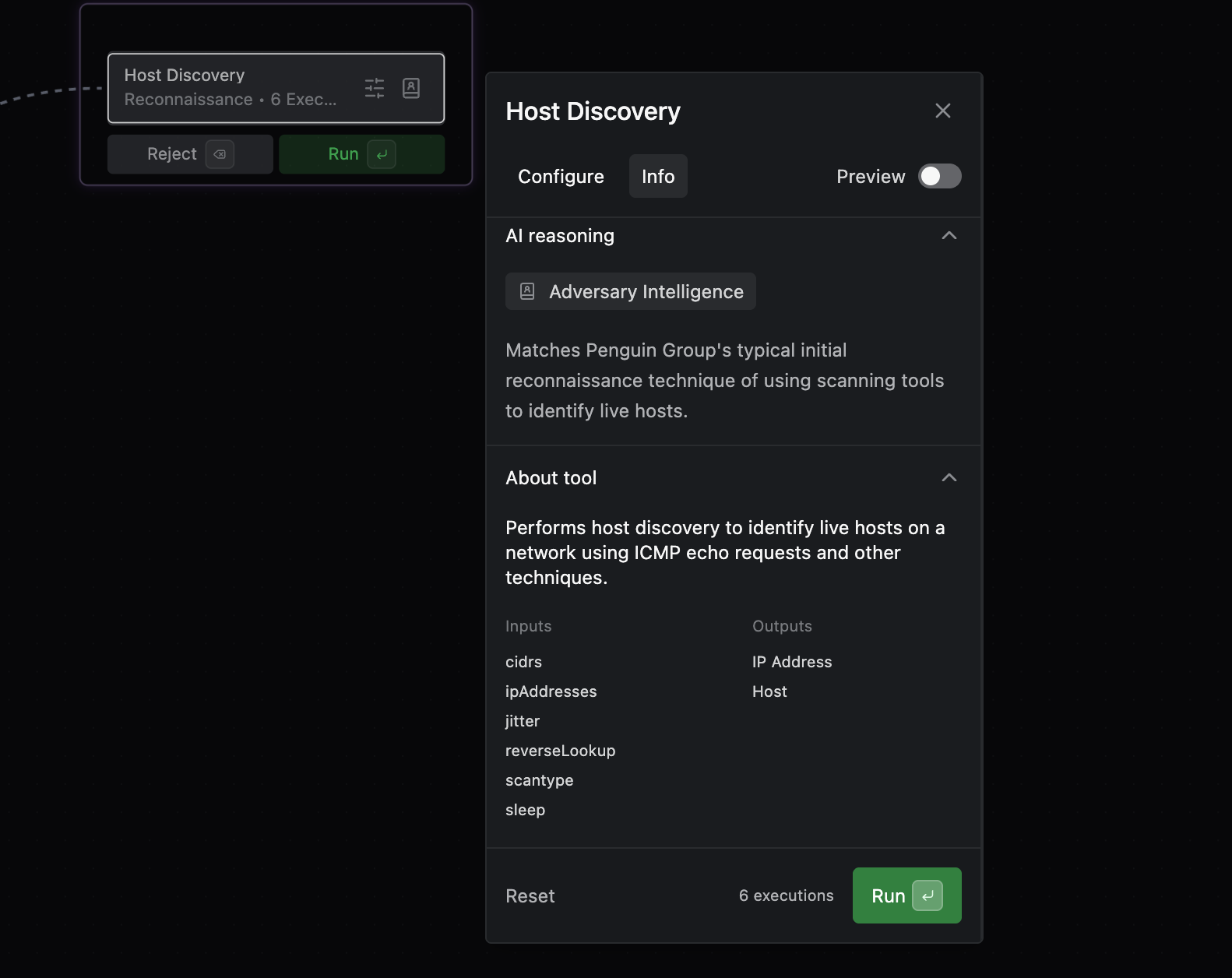
If you choose to run the Operation in Co-Pilot, Reaper will begin suggesting tools based on your adversary profile. Use the Adversary Intelligence icon to view reasoning, capabilities, and expected outputs for each tool.