

Send Alerts to a webhook
A generic HTTP webhook channel POSTs each Alert as JSON to an HTTPS endpoint you control. The Teams and Slack channels format Alerts as chat messages; a webhook sends the JSON for you to route into your own systems.
For the shared Alerts model and how to create Alert rules, see Set up Alerts.
Add a webhook channel
Open Alerts and add a channel
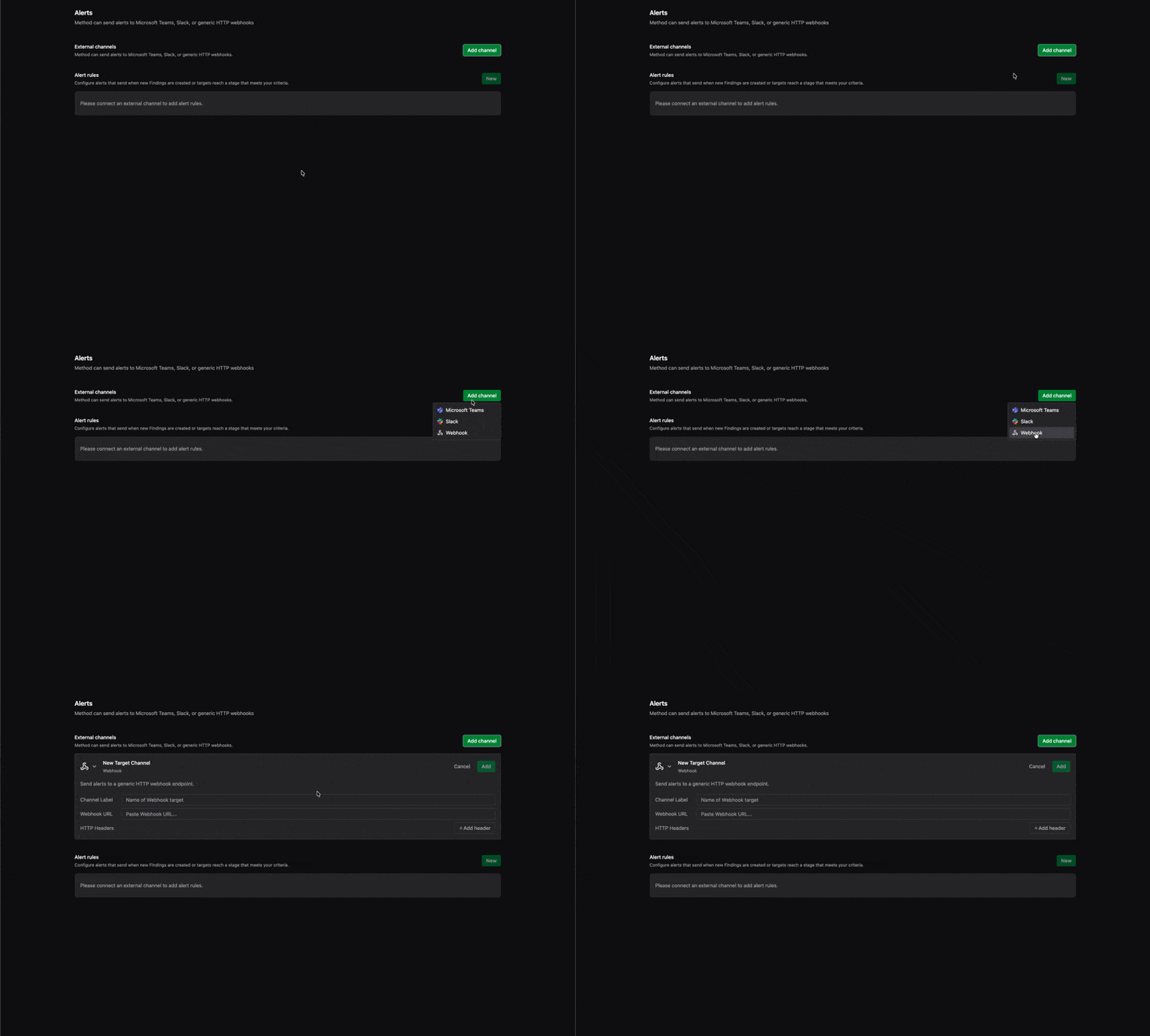
In the Admin panel, open Alerts under the Setup group. Under External channels, click Add channel and set the channel type to Webhook.
Enter the channel details
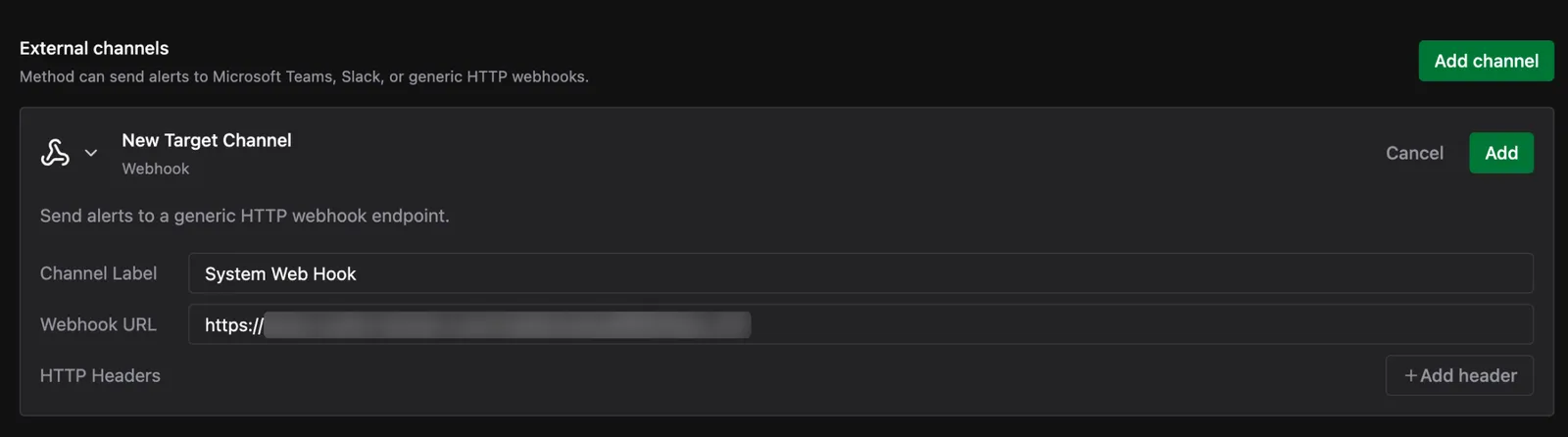
Fill in the Webhook channel fields:
- Channel Label: a display name for this destination in the External channels list, such as
SIEM IngestorIncident Intake. It is cosmetic and does not affect the payload. - Webhook URL: the full HTTPS endpoint Method posts the Alert JSON to. This can be any endpoint you control, such as a SIEM webhook collector, an internal relay or serverless function, an automation or workflow platform, or an incident-management intake URL.
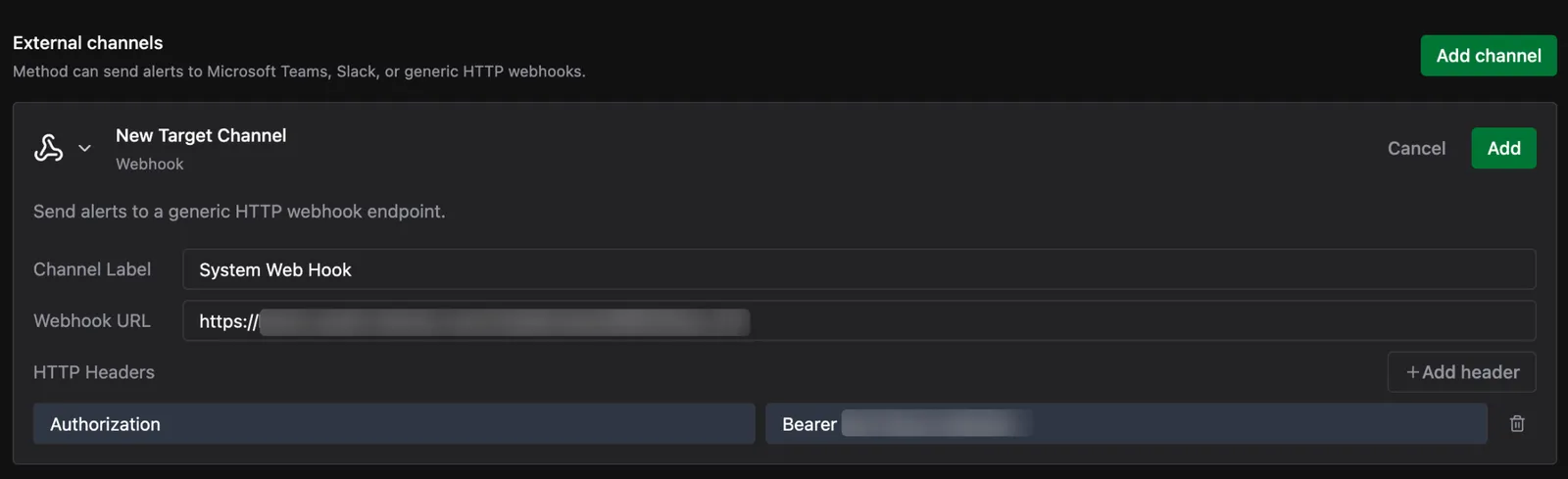
- HTTP Headers: zero or more key/value pairs added to every outbound POST, added with + Add header. Covered in the next step.
Add authentication headers
Authentication goes in HTTP Headers. Click + Add header and add the key/value pair the receiving system expects, for example Authorization set to Bearer <token>, or X-Api-Key set to your key. Add a header for every value the endpoint requires.

Once the channel is connected, create an Alert rule to route events to it.